


BlogBoutique hotels · Vacation rentals
What should your hotel website include?
Help guests compare rooms, picture their stay and find out how to book. This checklist covers photos, location, policies and links to your existing booking service.
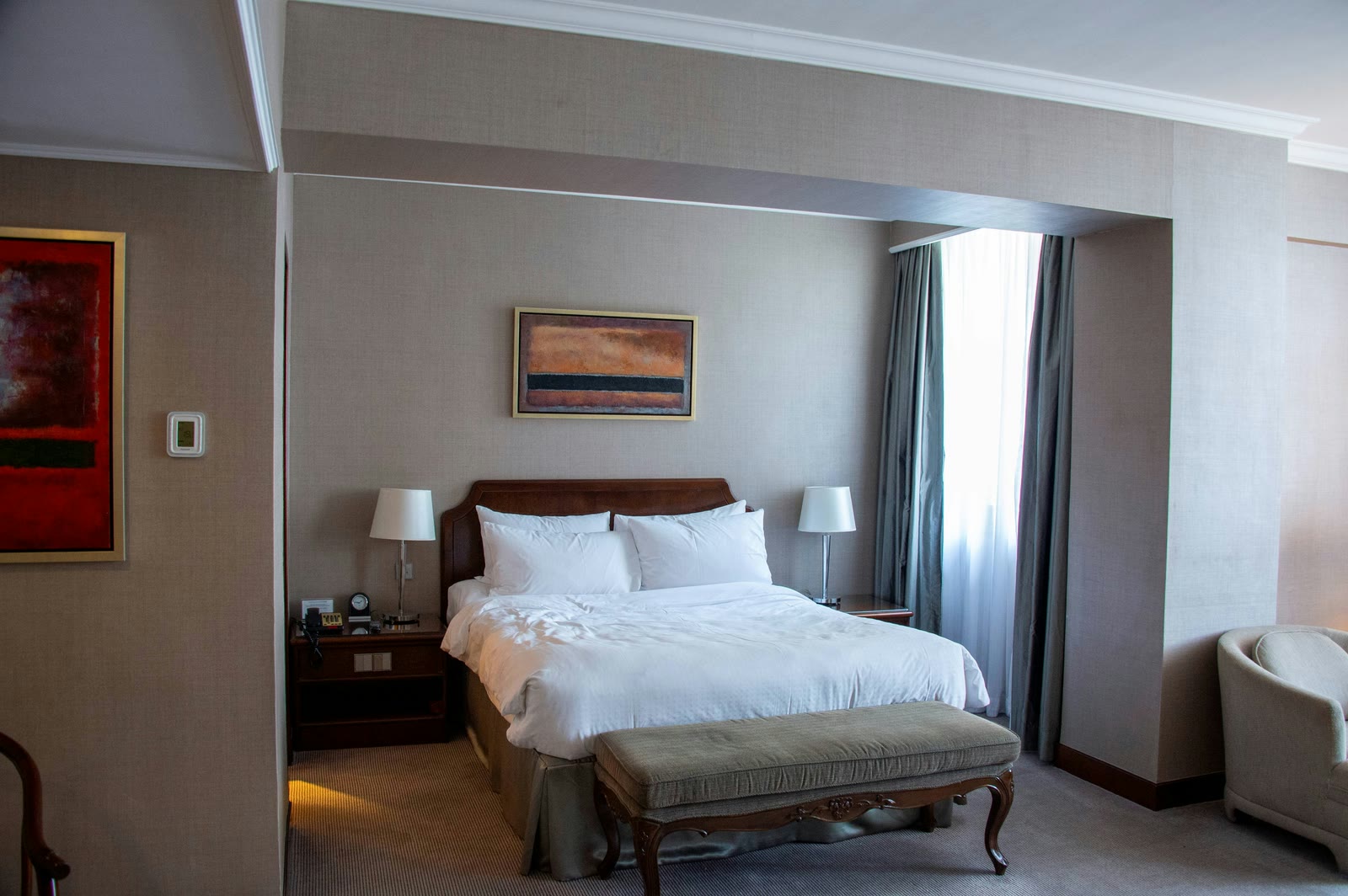
The useful starting question is: could someone understand the stay without calling you to fill in basic details?
Start with this website checklist
Use this table as a brief for the person planning your website. “Ready” means the information is current and approved by the property operator.
| Website area | What to prepare | Check before publishing |
|---|---|---|
| Property introduction | Property type, location, and a specific reason to stay | Could this description belong to any competing property? |
| Rooms or accommodation | Bed setup, guest capacity, bathrooms, and meaningful differences | Can guests tell which room or unit suits them? |
| Photography | Rooms, bathrooms, entrance, common areas, and relevant amenities | Does each photo show the space actually being described? |
| Location and arrival | Area description, directions, parking, and arrival guidance | Are the details appropriate to share publicly? |
| Stay information | Check-in/out times, inclusions, and relevant house policies | Do the website and current booking terms agree? |
| About and contact | Operator introduction and monitored contact information | Is it clear who answers a guest’s question? |
| Next step | A genuine inquiry route or an existing booking-service link | Does the button describe what actually happens? |
Make room differences easy to understand
Prepare a simple fact sheet for each room type before choosing a page layout. Include the bed arrangement, maximum occupancy, bathroom arrangement, and features that distinguish it. Explain whether a terrace, kitchen, pool, or lounge is private or shared. A photograph cannot settle every question.
For a boutique hotel, separate room pages can make different categories easier to compare. For a single vacation home, one well-organized accommodation page may be enough. The number of pages should follow the property’s actual choices.
Cloudbeds’ hotel website design guide recommends detailed descriptions and photographs for individual room types. Agree on those facts before design begins, so attractive layouts do not hide missing information.
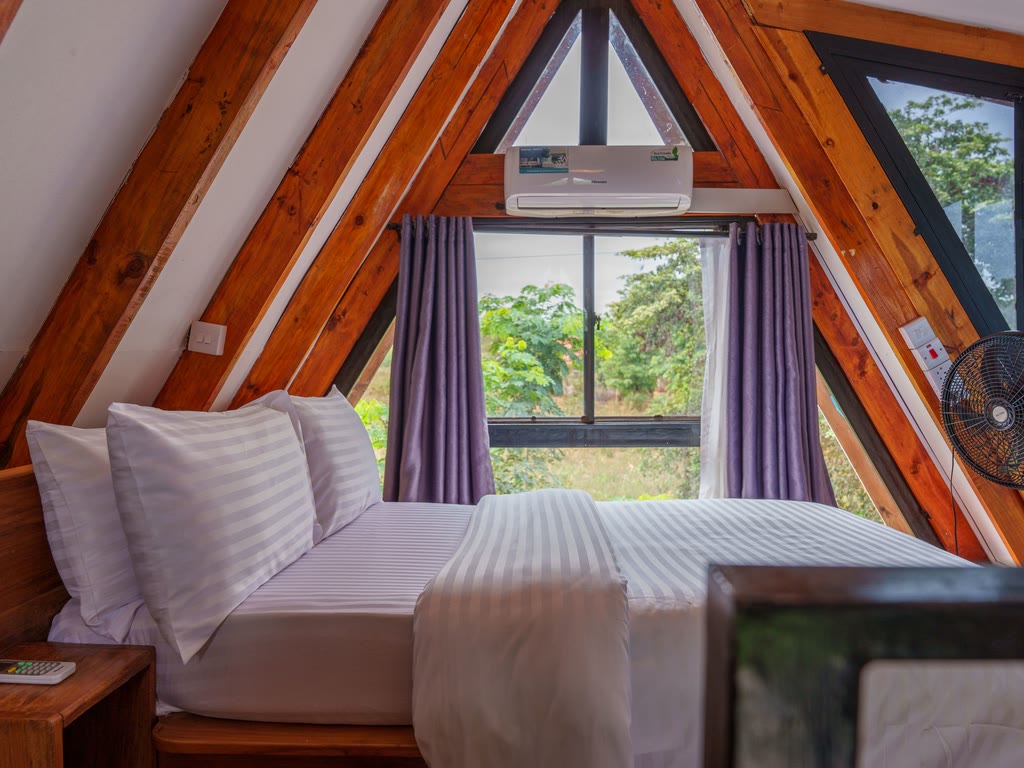
Choose photographs that explain the stay
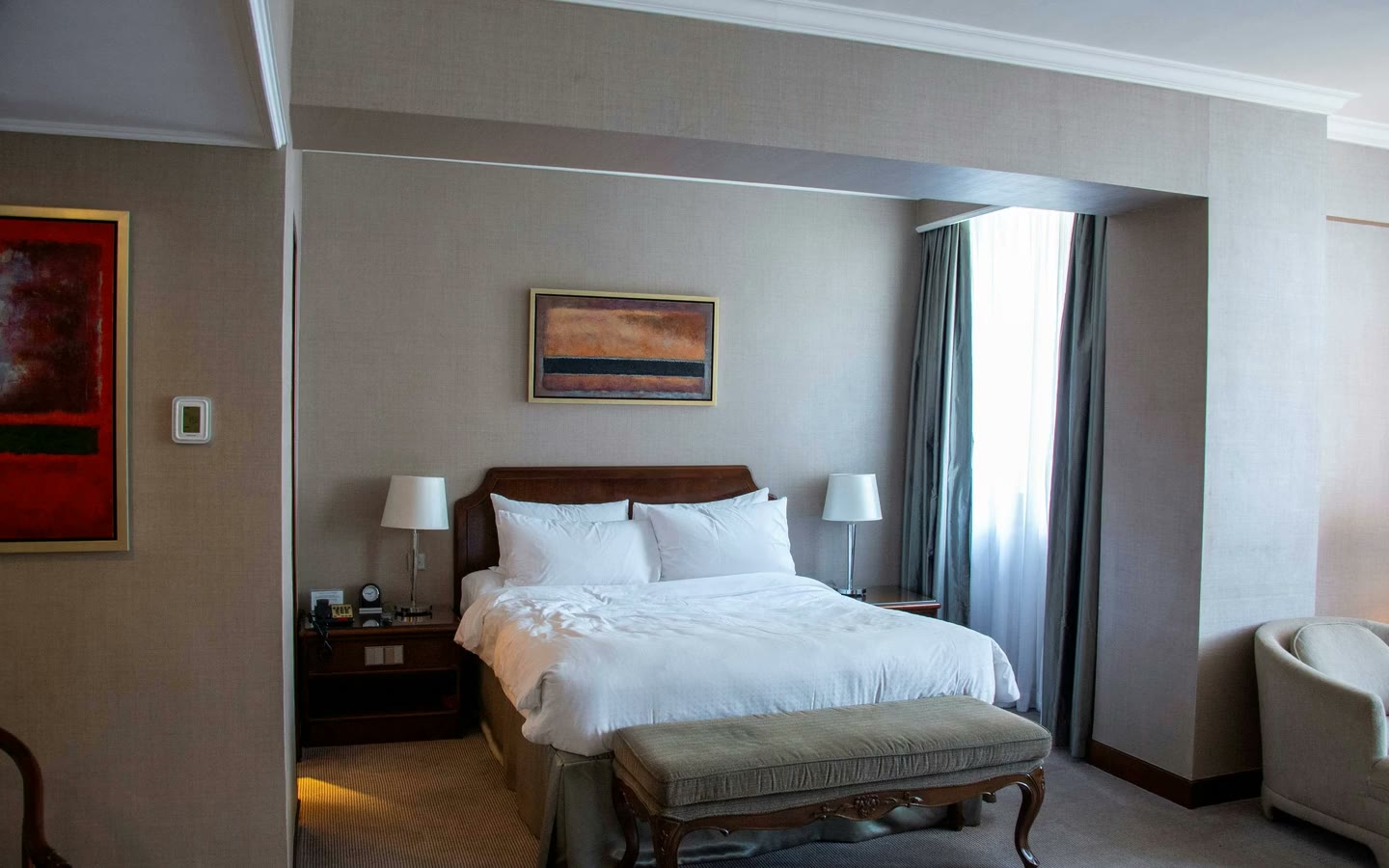
Build a photo list around the spaces guests can use. Include the sleeping area, bathroom, entry, and shared facilities, then add details that communicate the property’s character. Label rooms consistently, and explain anything the photograph leaves ambiguous.
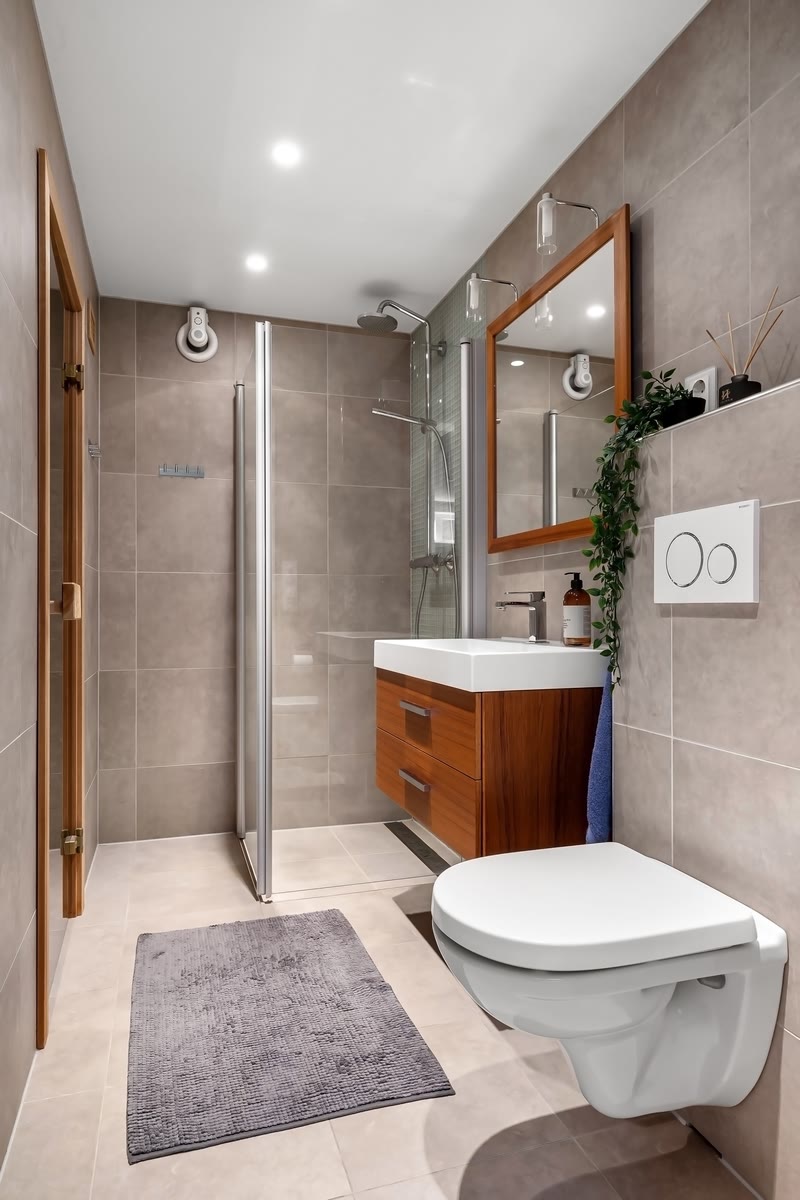
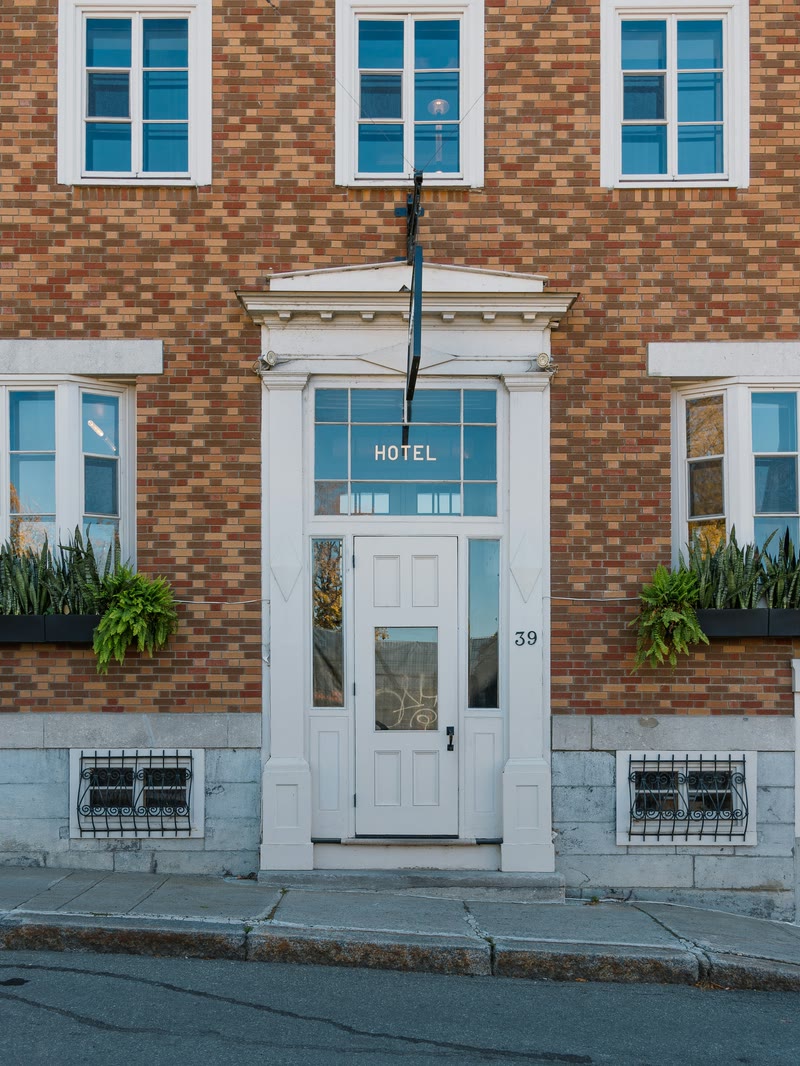
Airbnb’s host photography guide advises planning coverage of rooms and guest-accessible areas, highlighting relevant features, and using captions to explain details. These same details can help you plan photographs for your own website.
Use photographs you have permission to publish. Do not show a stock bedroom as accommodation guests will receive. If an illustration depicts a future renovation, label it clearly and keep current room information separate.
Decide what happens after a guest clicks
A website and a booking engine have different jobs. SiteMinder describes an online hotel booking system as a tool connected to a hotel website that processes direct reservations. The website’s presentation does not, by itself, supply that system.
If you already use an external booking service, identify the correct destination and describe the handoff clearly. Test the link on a phone. Sending a visitor to that provider does not mean the website designer supplies its availability, payments, or confirmation process.
If your next step is an inquiry, use wording such as “Ask about a stay.” Tell guests that sending a request does not confirm accommodation. Agree who will receive and answer it. A decorative date selector should never suggest that live availability has been checked.
Make important information readable and maintainable
Keep room details and policies in readable page text, with descriptive headings and links. Check the layout on a phone, including long room names and policy text. Give one person responsibility for updating details when the property changes; an attractive website can still mislead if its information becomes outdated.
Google’s SEO Starter Guide recommends useful, well-organized content and descriptive links. Those are sensible foundations for a lodging website. Clear answers can also make a page easier to interpret, but they do not guarantee search rankings or AI citations. Google says its AI search features do not require special optimization beyond established SEO practices.
Frequently asked questions
Do I need separate pages for every room?
Not necessarily. Use separate pages when room categories have enough differences to warrant comparison. A single-property rental may communicate everything clearly on one accommodation page. Avoid repeating nearly identical descriptions just to create more pages.
Can I keep my existing booking provider?
You can discuss retaining a link to its existing booking page as part of the website scope. Confirm the destination and provider requirements first. That is separate from implementing an embedded engine, payment system, or operational integration.
What should I send a website designer first?
Send your current site or property listing, room facts, approved photographs, guest policies, and the action you want visitors to take. Explain what is difficult to communicate today. Do not send account passwords as part of the initial brief.
Next step
Discuss your lodging website
Planning a boutique hotel, independent stay, or vacation rental website? Email Andy at Arupix with your property type, current website if you have one, and the page or information you most want to improve. We can discuss the presentation and page scope before you decide on a project.
Andy | Arupix
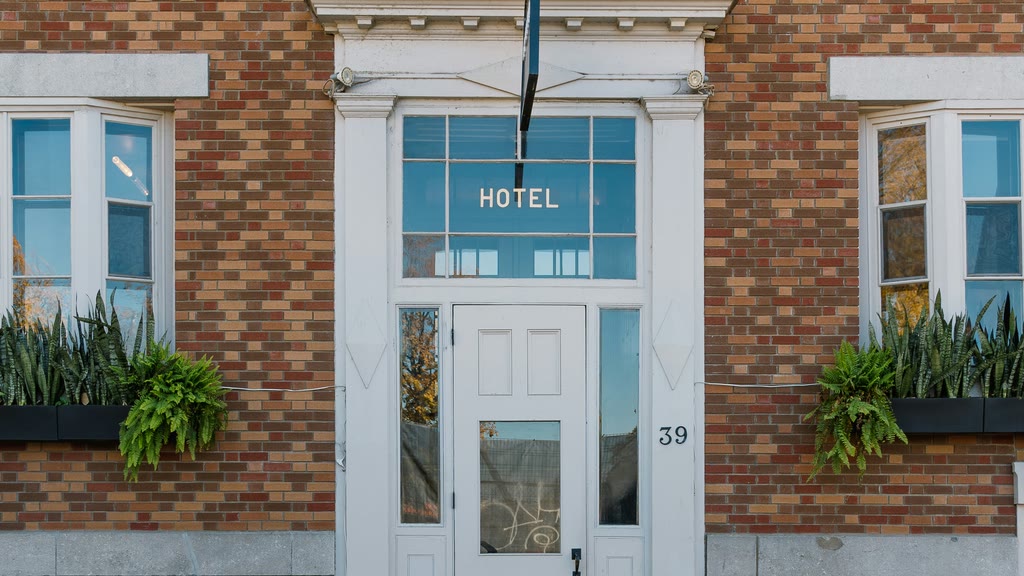
Website redesign checklist for restaurant and hotel owners.
What to prepare before asking for a quote: goals, pages, photos, booking links, costs and launch checks.
READ THE GUIDE ↗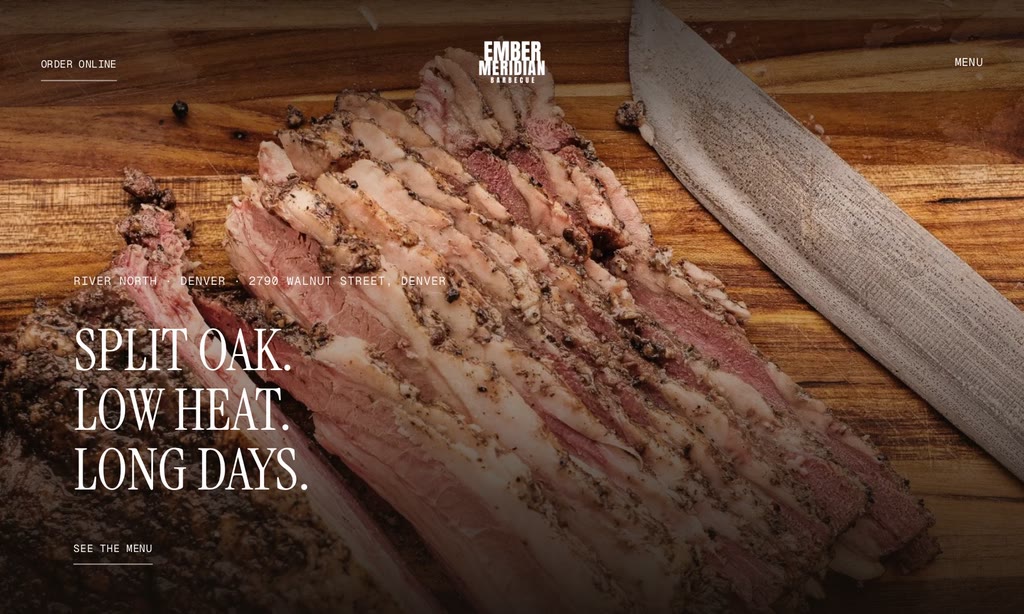
How much does a restaurant website cost? Compare the full quote.
How to compare the initial build, recurring costs, menu updates and external services in a quote.
READ THE GUIDE ↗