


BlogRestaurants · Lodging
Before you redesign: a practical checklist.
Start with what you want to improve. Then gather your page list, business details, photos and existing booking or order links. Agree on scope, recurring costs and launch checks before work begins.
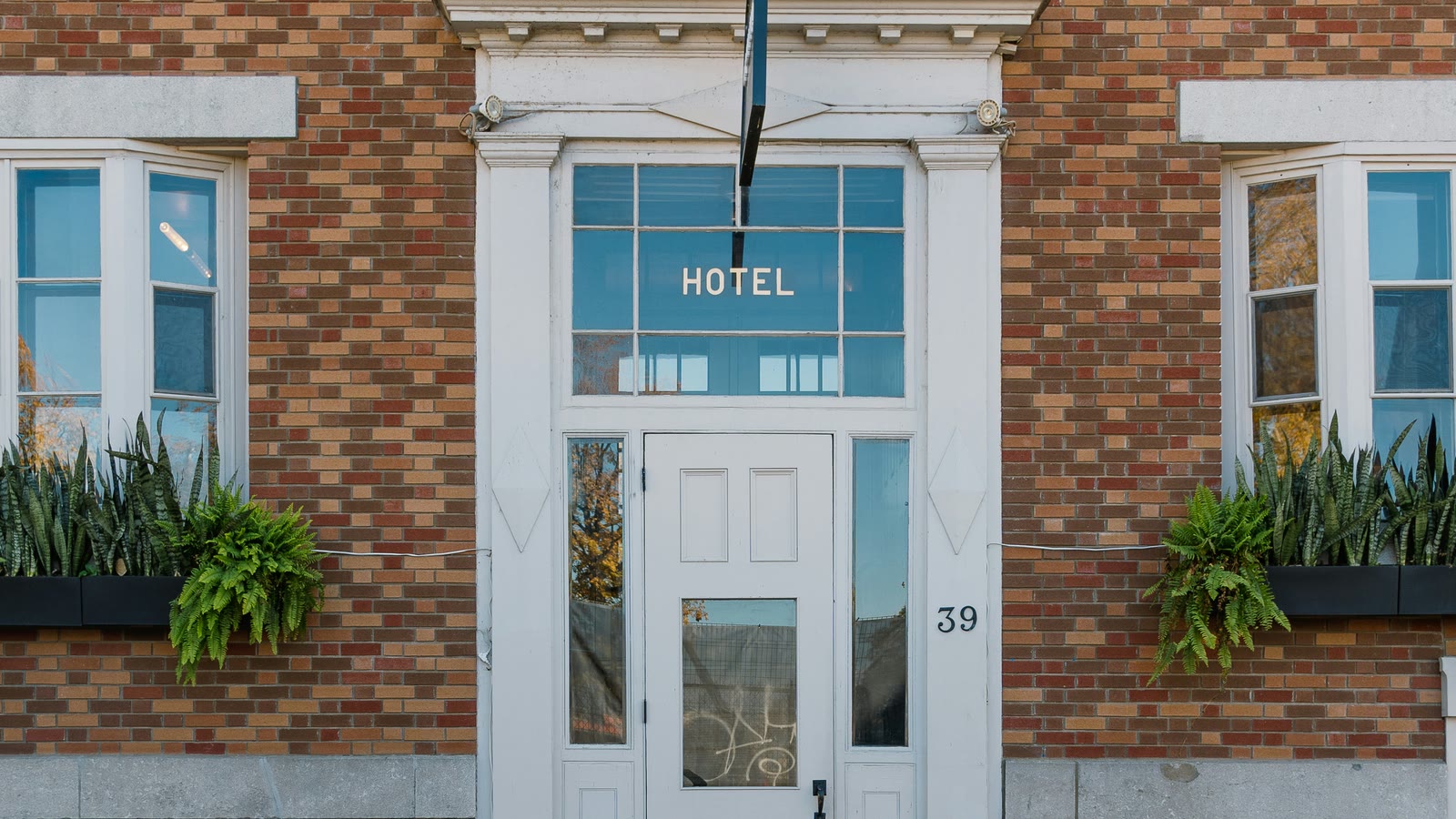
You do not need finished copy for every page before your first conversation with a designer. You do need enough information to explain what should improve and what the website must preserve.
1. Write down the problem you want to solve
Choose a specific problem that someone can check on the finished site. “Make it more premium” describes a direction, but it does not explain what the visitor should be able to do.
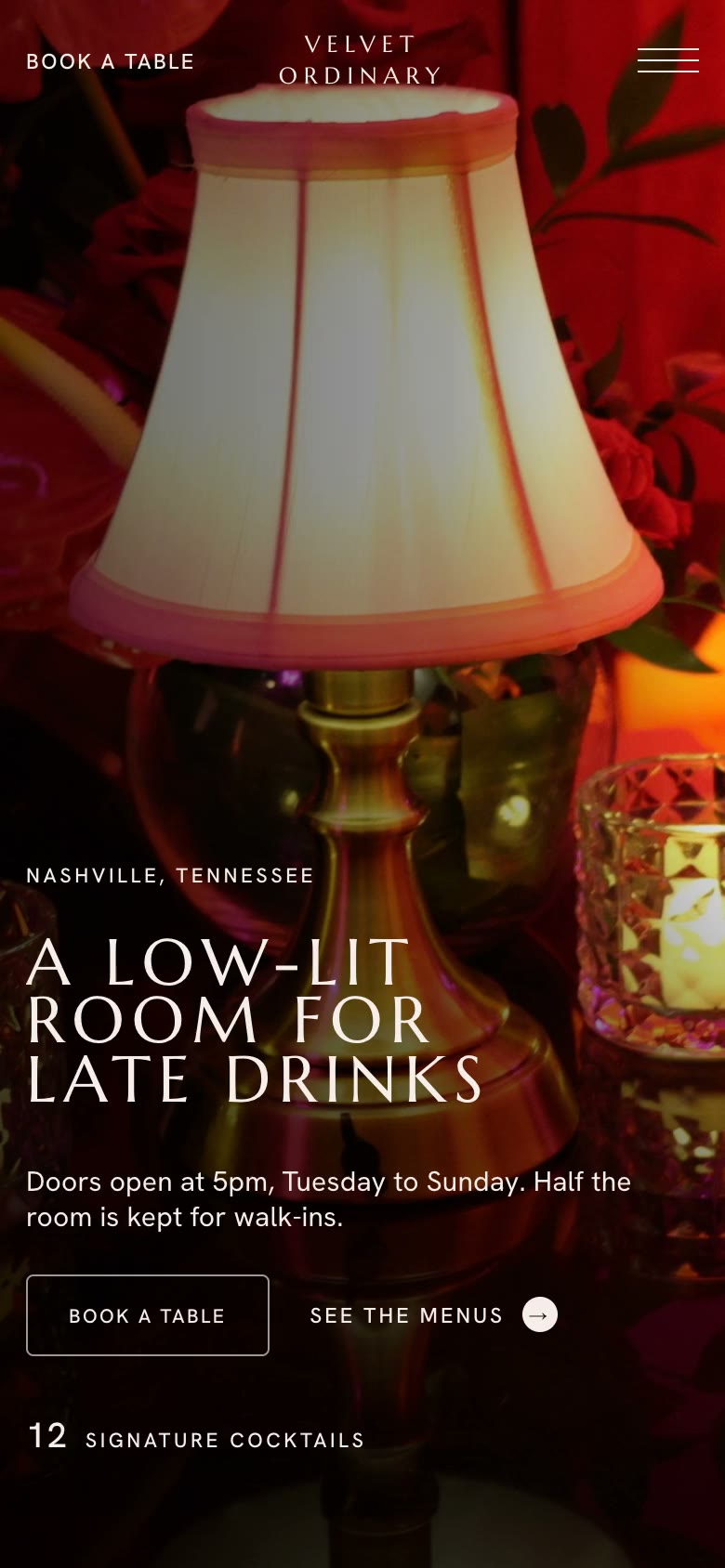
A restaurant might need guests to find the dinner menu, understand the atmosphere, and reach its reservation service from a phone. A boutique hotel might need clearer differences between room types, better arrival information, and an obvious route to its existing booking service.
Write down the current problem, the visitor’s next action, and how you will check the result. Keep any traffic or inquiry figures you already have, with their dates and sources. If you do not have measurements, describe the observed problem without inventing a baseline.
2. Give each page a clear purpose
A page list is more useful when it explains the question each page answers. This also helps you compare proposals: two quotes for “five pages” may cover different work.
| Page or section | Restaurant example | Hotel or independent lodging example |
|---|---|---|
| Home | Cuisine, setting, location, and where to go next | Property character, location, and route to rooms |
| Main offering | Current menus and service periods | Room types, bed arrangements, and included amenities |
| Visit or stay information | Hours, directions, entrance, and parking | Arrival instructions, parking, and check-in information |
| Private inquiries | Dining groups, events, and the inquiry contact | Group stays or event inquiries, when offered |
| About | The business’s story and people | The property’s story and people |
These are planning examples, not a requirement to create five separate pages. A small site can combine related information if visitors can still find it easily.
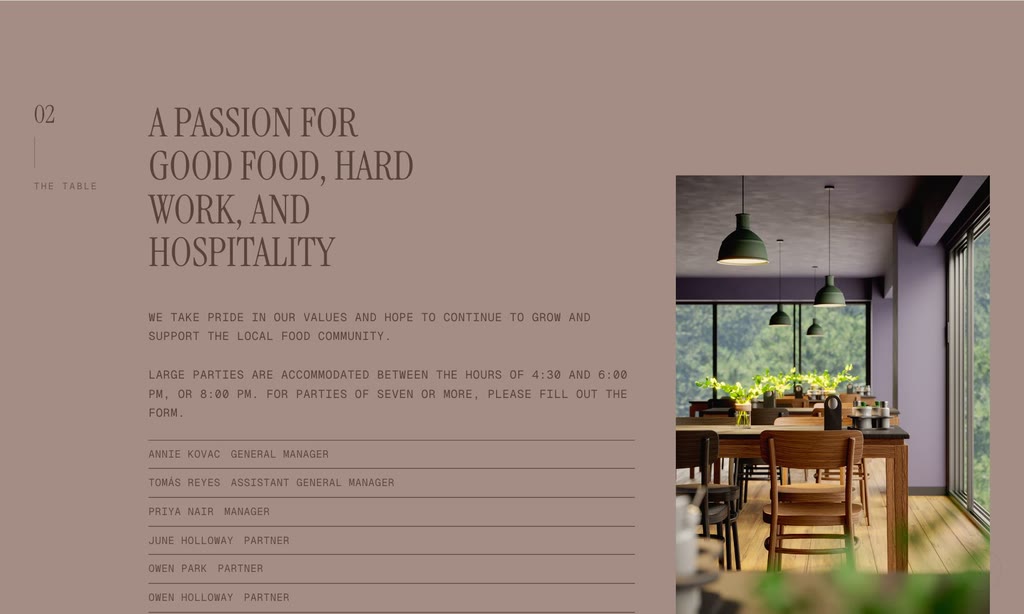
3. Gather accurate content and usable photographs
Create one folder containing your logo, current written information, and photographs. Note what each photograph shows and any restrictions on its use. A photo visible on a directory or another website is not automatically available for reuse.
For a restaurant, separate food, dining room, exterior, and event-space images. Match each menu to the service period it describes. For lodging, label images by room type and shared area so a guest does not mistake a photograph of one room for another.
Include specific details that affect a visit: entrances, parking, stairs, room arrangements, or facilities. Have the responsible person confirm them. Avoid replacing clear information with broad descriptions such as “perfect for everyone.”
This content planning sits alongside the goals and page structure recommended in Squarespace’s website redesign checklist. The industry worksheet above is Arupix’s suggested way to prepare those decisions.
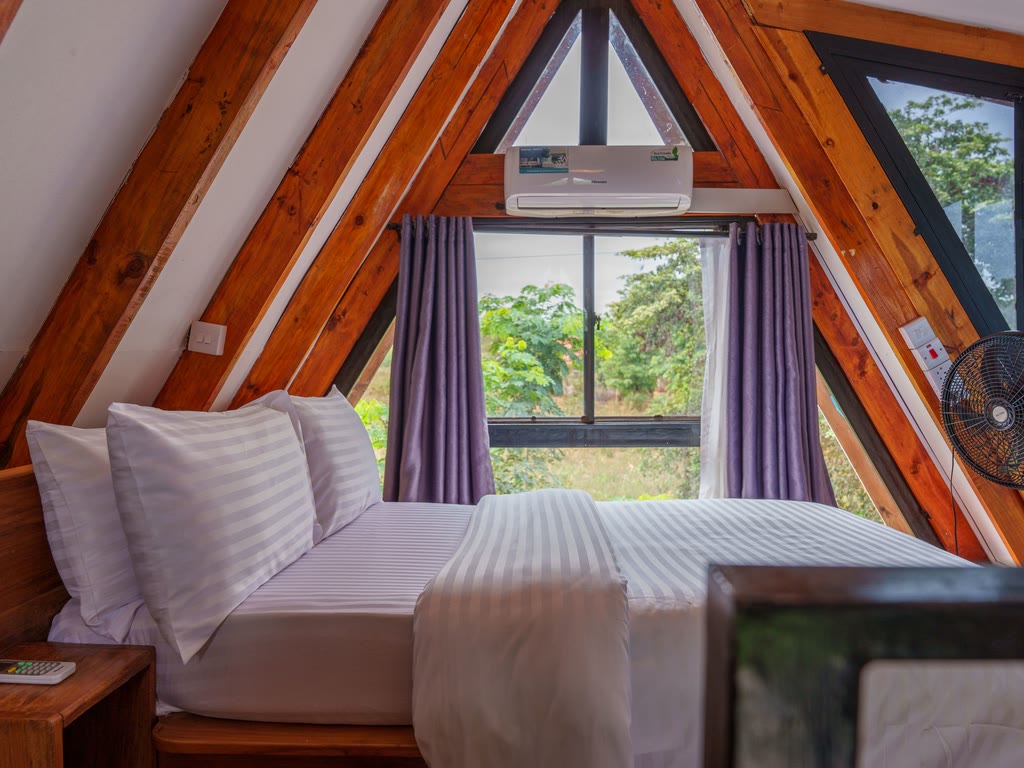
4. List the services and website addresses you already use
Record your current domain, important page addresses, public menu or brochure links, booking or ordering service, and the person who manages each account. At the planning stage, an account inventory is enough; avoid putting passwords in the brief.
Make the intended action precise. Opening an existing booking service is different from collecting an inquiry. If a form collects a request, describe what happens next and who responds. A request should not be presented as a confirmed reservation.
Also identify existing pages people already visit or link to. Ask the designer which addresses will stay and which will change. Google’s site-move guidance recommends mapping old URLs to their replacements, arranging redirects, and monitoring the move when URLs change. A visual redesign does not require changing every address. Google’s guidance on site moves
5. Compare the complete scope and cost
Ask each provider to separate the initial project from recurring expenses. Clarify who prepares the copy, selects or supplies photographs, makes routine updates, manages hosting, and handles launch.
For a restaurant, ask how menu changes are handled. For lodging, ask who updates room descriptions, facilities, and seasonal information. Record any fees for your existing external services separately so they do not disappear inside a vague “website cost.”
Agree on the included pages, revision process, extra-work terms, materials needed from you, and the person who gives final feedback. Set the launch date around that scope and the availability of those materials.
6. Agree on a practical launch check
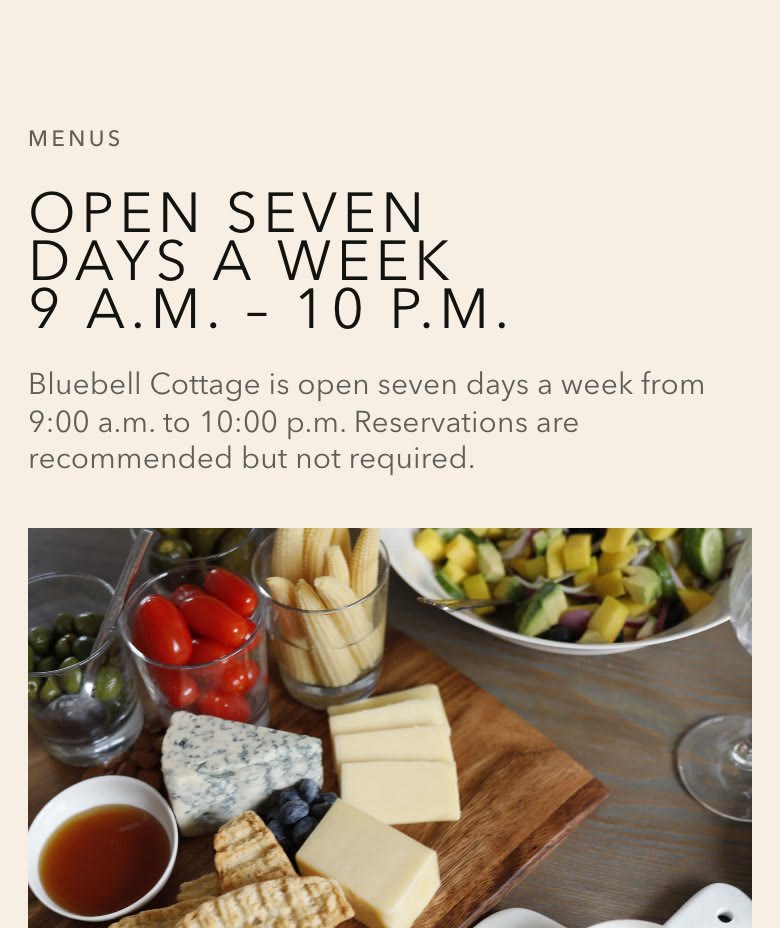
Review the site on a phone and a larger screen. Follow the visitor’s main route from the homepage to the menu or room information, then to the intended contact or external service. Confirm that labels describe what actually happens.
Check business details, image labels, links, and retained page addresses. If a contact form is included, agree on a test that verifies where the request is received and what the visitor sees. Confirm who owns the domain and site files, and how future changes will be requested.
Questions owners often ask
Do I need all my photos and copy before asking for a quote?
You can begin with the material you have. Mark what is approved, missing, or outdated so the provider can explain which preparation work is included and what affects the schedule.
Does a website redesign require replacing our booking service?
Not necessarily. List the service you already use and ask whether the proposed website can link to the appropriate guest-facing page. Any deeper integration needs its own scope and verification.
Can a redesign guarantee better Google rankings or AI recommendations?
No. Clear content and a technically accessible site can support discovery, but search appearance is not guaranteed. Google explicitly separates meeting its requirements from guaranteed crawling, indexing, or serving. Agree on observable launch checks and measure results after publication. Google’s AI search guidance
Next step
Discuss your website with Arupix
Arupix offers public-facing website design for US restaurants, lodging businesses, and other premium businesses. Email Andy at Arupix with your current website, the main problem you want to solve, and the pages you are considering. We can use that information to discuss the appropriate scope.
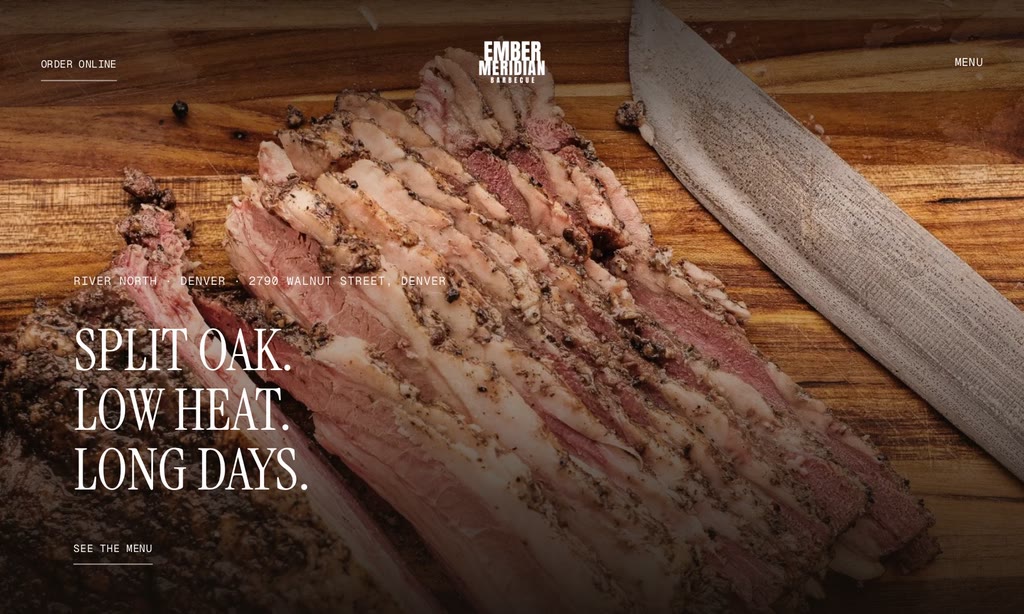
How much does a restaurant website cost? Compare the full quote.
How to compare the initial build, recurring costs, menu updates and external services in a quote.
READ THE GUIDE ↗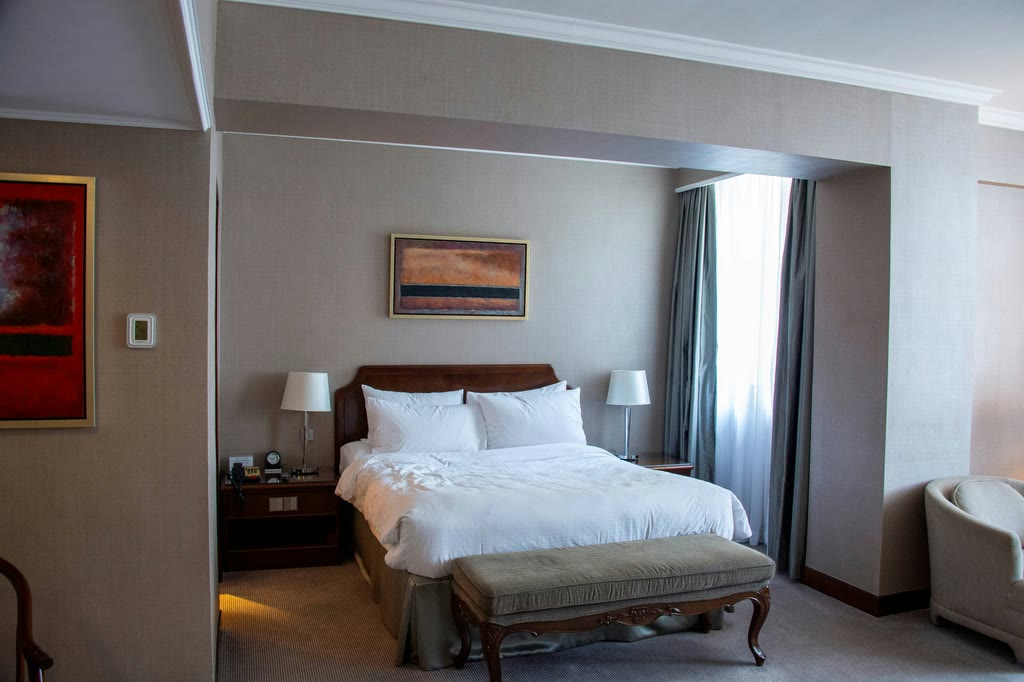
What should a boutique hotel website include? An owner’s checklist.
An owner’s checklist for room details, photographs, policies and the next step for guests.
READ THE GUIDE ↗